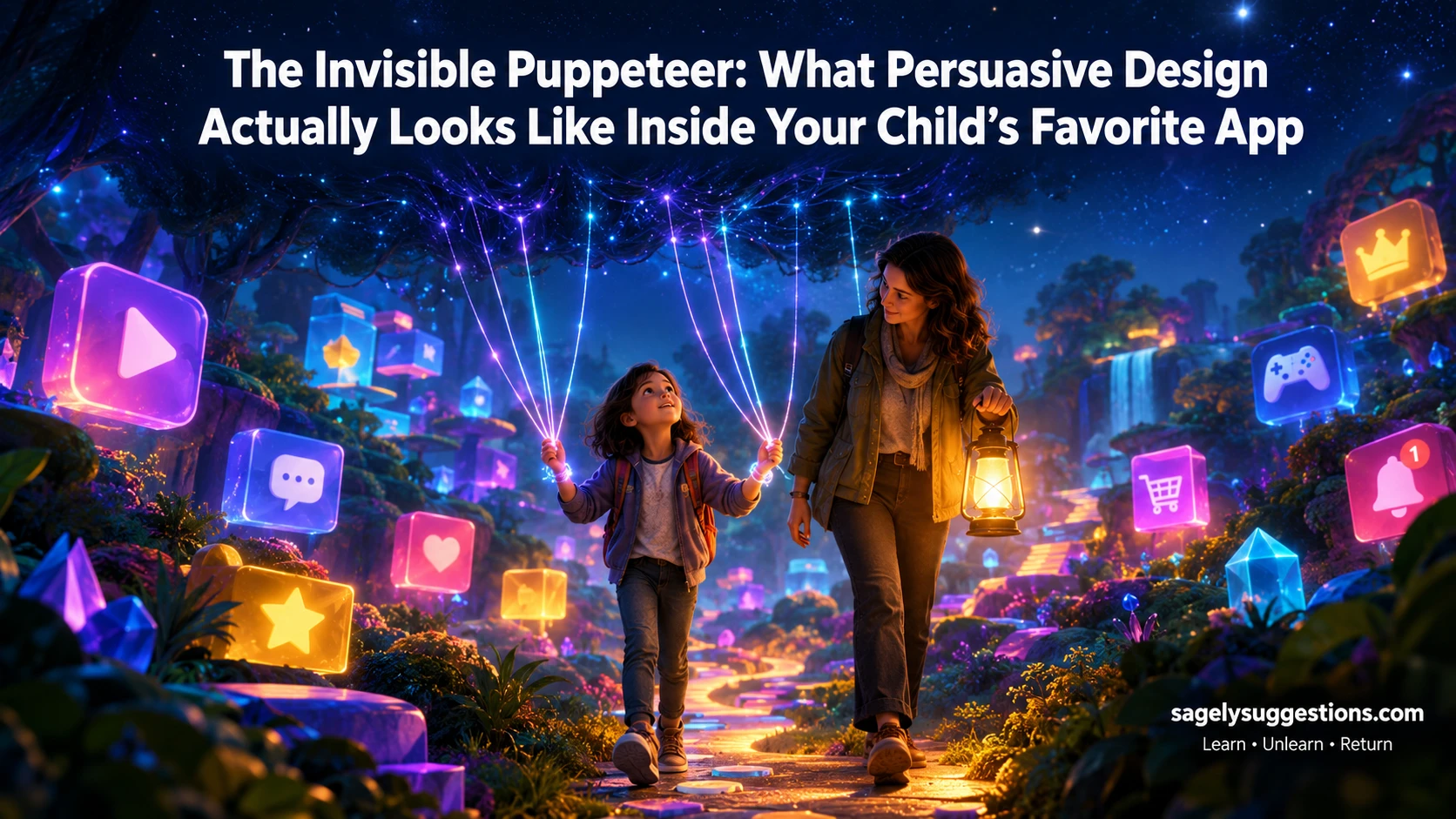
Persuasive design (or dark patterns) in children’s apps uses psychological triggers like variable rewards, infinite scroll, and artificial scarcity to keep kids hooked.
📌 TL;DR / Quick Answer
Persuasive design (or dark patterns) in children’s apps uses psychological triggers like variable rewards, infinite scroll, and artificial scarcity to keep kids hooked. Instead of blaming yourself for screen-time battles, recognize these manipulative UI cues. This guide breaks down exactly what these tricks look like and how to talk to your kids about them to build digital resilience.
❓ Frequently Asked Questions (Quick Answers)
Q: What is persuasive design in apps for kids?
A: It is the intentional use of behavioral psychology in app design to maximize user engagement, screen time, and in-app purchases, often at the expense of the user’s well-being.
Q: Are loot boxes considered gambling for kids?
A: While not legally classified as gambling in all US jurisdictions, child psychologists and the FTC increasingly treat loot boxes as gambling-adjacent because they use variable reward schedules to trigger dopamine releases similar to slot machines.
Q: How can parents protect kids from manipulative app design?
A: Parents can protect kids by shifting from strict restriction to “digital co-viewing.” Teach kids to recognize manipulative UI tricks, turn off auto-play and push notifications, and use router-level parental controls.
The 8 PM Meltdown
It’s 8:15 PM on a Tuesday. You’ve given your ten-year-old exactly forty-five minutes on his tablet.
But when you ask him to hand it over, he doesn’t just say no. He panics.
“If I log off now, I’ll lose my daily streak! And my friends are in the middle of a raid!”
Your heart rate spikes. You feel that familiar, heavy knot of parental guilt. Am I too strict? Am I too lenient? Why can’t he just put it down?
Take a deep breath. Let go of the guilt.
You aren’t just fighting a lack of willpower. You are fighting a team of Silicon Valley UX designers who are paid millions to ensure your child never, ever puts it down.
What Persuasive Design Actually Is (And Why It’s Not Your Fault)
Persuasive design in children’s apps refers to intentional user interface (UI) and user experience (UX) features engineered using behavioral psychology to maximize screen time and monetization.
It is not an accident that your child can’t stop scrolling. It is a highly calculated business model.
Tech companies operate in the “Attention Economy.” Their primary product isn’t the game itself; it is your child’s eyeballs and the data they generate.
To keep those eyeballs locked, developers use “dark patterns.” These are deceptive design tricks that subvert user autonomy, making it incredibly difficult for a child to quit, pause, or avoid spending money.
💡 The Paradigm Shift: When you realize the app is rigged against your child’s developing brain, the frustration shifts. It’s no longer about bad parenting. It’s about protecting your kid from predatory design.
The Anatomy of a Trap: Inside the App Experience
Persuasive app design hijacks a child’s experience within the first 60 seconds of opening a game by overwhelming their senses with immediate, dopamine-triggering cues.
Let’s walk through what happens when your child opens a popular, free-to-play mobile game.
The moment the app loads, a cacophony of bright, flashing notifications appears. Daily reward! Friend request! Limited-time offer!
The colors are hyper-saturated. The sounds are engineered to be satisfying. The “Play” button is massive and glowing, while the tiny, gray “Skip” or “Close” buttons are practically invisible.
Table 1: The 60-Second Hook: Mapping Persuasive UI Elements to Psychological Triggers
| App Feature | Visual/Audio Cue | Psychological Trigger | Child’s Internal Monologue |
|---|---|---|---|
| Daily Login Streak | A calendar with a glowing, unbroken chain of fire icons. | Loss aversion & consistency bias. | “If I don’t play today, I lose my 40-day reward. I can’t let it break.” |
| Loot Boxes / Crates | A shaking, glowing chest with a countdown timer. | Variable ratio reinforcement (gambling mechanic). | “What if the legendary item is in this one? I have to open it to find out!” |
| Autoplay / Infinite Scroll | The next video or level starts instantly without a prompt. | Frictionless consumption & default bias. | “I didn’t mean to keep watching, but it just kept going…” |
| Fake Urgency Timers | A red, ticking clock counting down from 10:00. | Artificial scarcity & FOMO (Fear Of Missing Out). | “I only have 3 minutes to buy this skin before it’s gone forever!” |
💬 “We aren’t just fighting the screen; we are fighting a supercomputer designed to exploit our children’s developing dopamine pathways.”
How These Design Tricks Hijack a Developing Brain
Persuasive app design hijacks a child’s brain by exploiting their underdeveloped prefrontal cortex, using variable reward schedules to create compulsive checking behaviors.
The prefrontal cortex is the part of the brain responsible for impulse control and long-term planning. In children and teens, this area is still under heavy construction.
Meanwhile, the brain’s reward center (the striatum) is highly active. When a child opens a loot box, they don’t know what they’ll get. This “variable reward schedule” causes a massive spike in dopamine.
It is the exact same psychological mechanism used in slot machines. The brain isn’t rewarded for winning; it is rewarded for the anticipation of winning.
🚨 Expert Insight: According to the American Academy of Pediatrics (AAP), children under 12 lack the cognitive maturity to recognize manipulative design. When an app uses a streak mechanic, a child doesn’t see a “retention tool.” They see a genuine threat of losing something they’ve worked hard for.
📊 Quick Poll: Let’s hear from you! Which of these app features causes the most friction and meltdowns in your house? 🔘 A) Streaks and daily login bonuses 🔘 B) Loot boxes and microtransactions 🔘 C) Autoplay and infinite scrolling 🔘 D) Push notifications demanding they return
The “Dark Pattern” Checklist: Spotting the Red Flags
Dark patterns in children’s apps are deceptive UI choices that trick users into doing things they didn’t intend to do, such as buying virtual goods or sharing personal data.
You don’t need a degree in UX design to spot them. You just need to know what to look for.
Checklist 1: The Parent’s Red Flag Checklist
Review your child’s favorite apps against these 5 warning signs:
- The “Roach Motel” Effect: Is it incredibly easy to start a game or buy an item, but nearly impossible to find the “unsubscribe” or “delete account” button?
- Disguised Advertisements: Do the “ads” look exactly like gameplay buttons? (e.g., A fake “X” to close an ad that actually clicks the ad).
- Confirm-shaming: When trying to opt-out of a notification or purchase, does the button use guilt? (e.g., “No thanks, I hate winning free coins”).
- Hidden Costs: Are real-money purchases disguised as premium in-game currency, making it hard for kids to realize they are spending actual dollars?
- Interruptive Pop-ups: Do pop-ups appear at critical moments of gameplay, forcing the child to watch an ad or buy a boost to continue?
How to Talk to Your Kids About Manipulative App Design
Talking to kids about persuasive design requires shifting the conversation from “screen time limits” to “digital literacy and autonomy.”
When you sit down with your child, don’t confiscate the device. Instead, become a co-investigator. Open the app together and point out the tricks.
Table 2: Scripts for Digital Literacy: What to Say When You Spot a Dark Pattern
| The Trigger | What the App is Trying to Do | What to Say to Your Child |
|---|---|---|
| A streak is about to expire | Create anxiety and force a daily login. | “Look at that fire icon. The app designers put that there to make you feel anxious so you’ll log in. Let’s turn off the streak notifications together.” |
| A loot box is shaking | Trigger a dopamine gamble. | “Notice how the box is shaking and glowing? That’s exactly how a slot machine works in a casino. They want your brain to guess what’s inside. What else could we do with those coins?” |
| A countdown timer appears | Create fake urgency (FOMO). | “See that red clock? It’s trying to rush you so you don’t think clearly. Let’s put the tablet in another room for 10 minutes and see if the timer still matters.” |
💬 “When we teach kids to recognize manipulative design, we aren’t just limiting screen time; we are handing them the keys to their own cognitive autonomy.”
💡 Pro-Tip: The Power of Co-Viewing: The most effective way to teach digital literacy is to play the game with them. When you see a dark pattern, pause and say, “Wow, they really tricked us with that one, didn’t they?” This builds a team dynamic against the algorithm.
Your Family’s Digital Autonomy Action Plan
Reclaiming your family’s digital autonomy requires moving from reactive punishment to proactive environmental design.
You cannot out-willpower a persuasive design algorithm, but you can out-smart it by changing the environment and building critical thinking skills.
Checklist 2: The Weekend Digital Detox & Audit Checklist
Use this weekend to reset your family’s digital baseline:
- Audit the Apps: Sit down with your child and review their top 3 apps. Use the Red Flag Checklist above to identify dark patterns together.
- Kill the Notifications: Go into iOS/Android settings and turn off all non-human push notifications. If it’s not a text from a real friend, it doesn’t get to buzz in their pocket.
- Disable Autoplay: Go into YouTube, Netflix, and game settings and toggle off “Autoplay next episode/video.” Force a conscious choice to continue.
- Require a “Friction” Pause: Implement a rule where in-app purchases require a 24-hour “cooling off” period and a physical conversation with a parent.
- Set Up Router-Level Controls: [Internal Link: Learn how to set up router-level parental controls to block predatory apps entirely.]
💬 “You cannot out-willpower a persuasive design algorithm, but you can out-smart it with connection and digital literacy.”
Test Your Knowledge: The Persuasive Design Quiz
Let’s see if you can spot the dark patterns in the wild!
Question 1: Your child is playing a game and a pop-up appears saying, “Only 2 minutes left to claim your exclusive skin!” What type of dark pattern is this? A) Roach Motel B) Artificial Scarcity / Fake Urgency C) Confirm-shaming
Question 2: Your child wants to delete their account in a game, but the “Delete” button is hidden under five layers of menus, while the “Play Now” button is huge and glowing. What is this called? A) Friction Manipulation (Roach Motel) B) Variable Reward Schedule C) Disguised Advertisement
Question 3: When your child tries to opt-out of a daily email newsletter from a game, the “No” button says, “No thanks, I prefer to lose my free coins.” What tactic is this? A) Artificial Scarcity B) Confirm-shaming C) Infinite Scroll
(Don’t worry, the answer key is at the very bottom of this post!)
Conclusion: Taking Back the Evening
Think back to that 8:15 PM meltdown.
Your child wasn’t being defiant. They were caught in a meticulously designed psychological trap.
By understanding what persuasive design actually looks like inside your child’s favorite app, you remove the shame from the equation. You stop fighting your child, and you start fighting the algorithm alongside them.
You are the ultimate authority in your child’s life. Silicon Valley just has a really good marketing budget.
Your Take-Home Action: Tonight, don’t just take the tablet away. Sit down with your child, open their favorite game, and play “Spot the Trick.” Find one dark pattern together and talk about it.
Quiz Answer Key
Question 1: B) Artificial Scarcity / Fake Urgency. The timer is fake, designed to bypass logical thinking. Question 2: A) Friction Manipulation (Roach Motel). Making it easy to get in, but hard to get out. Question 3: B) Confirm-shaming. Using guilt or loss aversion to discourage the user from opting out.
Resources for Further Reading: